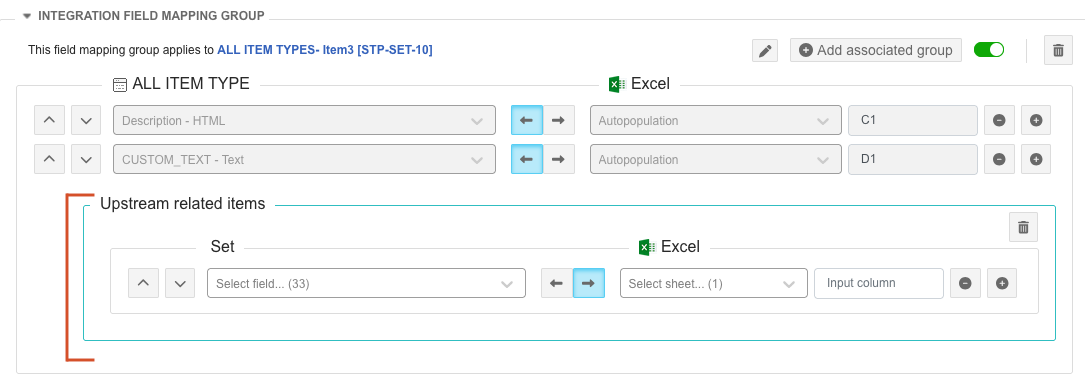
Create an associated mapping group
You can add multiple associated mapping groups to a base mapping group for both single- and multi-project Excel integrations.
Map relationships and associations if your Excel Functions template includes references to upstream or downstream items, or to the value in an Item of Type field.
Important considerations
A base mapping group can’t contain multiple associated mapping groups with the same group type (direction) and item type.
A single base mapping group can have a maximum of three associated mapping groups.
To create an associated mapping group:
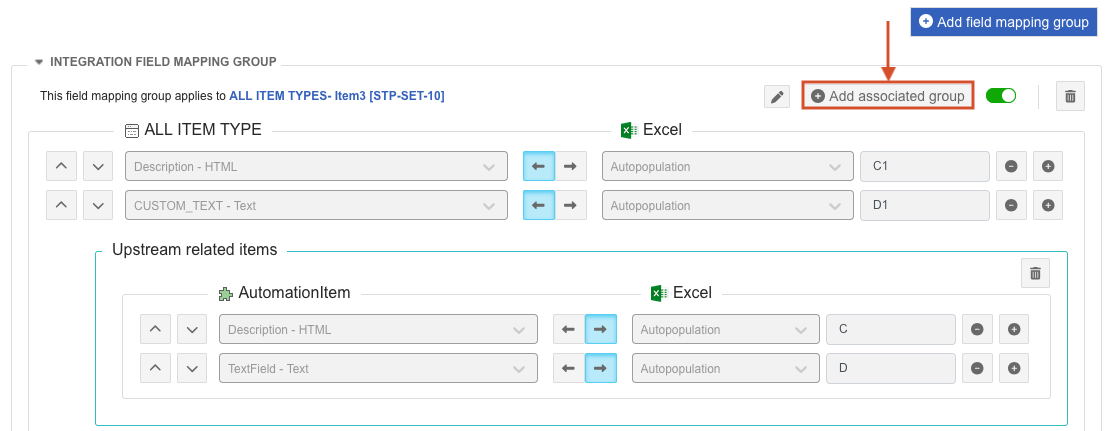
Within field mappings of a base group, select Add associated group.
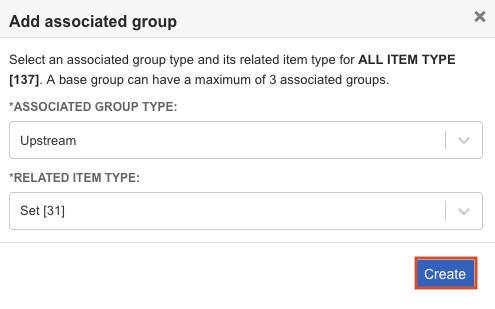
In the page that opens, select an Associated group type and Related item type, then select Create.
An associated mapping group is added below the field mappings of the base group.