Verify the webhook URL (admin)
After you add a subscription in Jama Connect Interchange, Jama Connect sends a verification request to the webhook URL you provided. Your webhook endpoint must respond successfully to confirm that it is reachable.
To verify the webhook URL:
Ensure that your webhook endpoint is running and can receive requests from Jama Connect.
Add the subscription in Jama Connect Interchange.
Allow the endpoint to receive and respond to the verification request.
In the Subscriptions table, confirm that the subscription status changes to Verified.
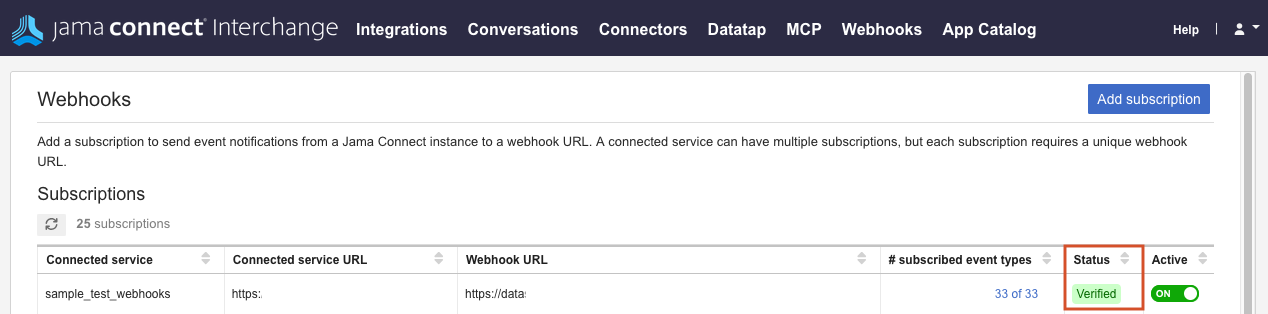
After verification succeeds, Jama Connect can send webhook events to the endpoint.
If verification fails, check your client configuration, then delete and re-add the subscription to try again.