Managing users, passwords, and profiles
In Jama Connect Interchange, admins can create and manage user account for each person who manages integrations. Users can only manage their own user account profile.
User accounts in Jama Connect Interchange are authenticated with a basic authentication model and are separate from the user accounts that log in to Jama Connect.
To complete the admin tasks (creating, editing, activating, and deactivating users), you must be assigned an Admin role on the Add a New User page or Edit User page.
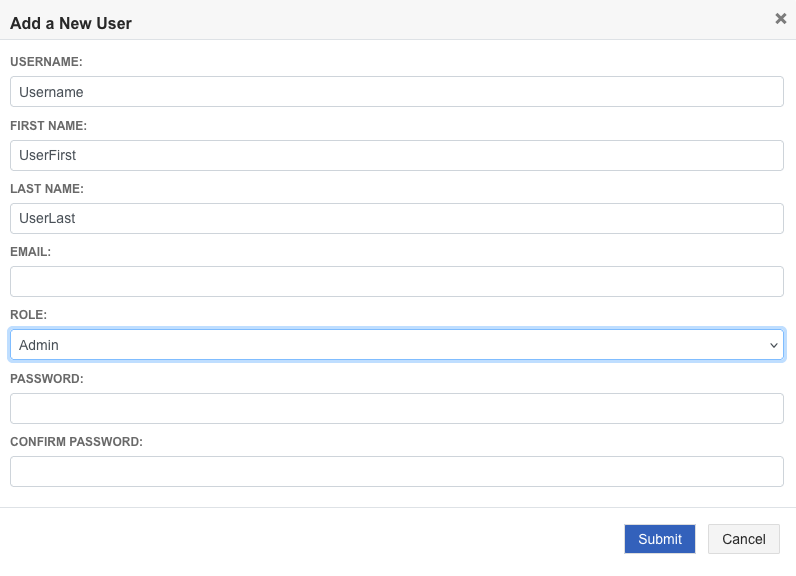
Admin tasks:
User task:
Session timeout
Users are logged out of Jama Connect Interchange after 30 minutes of inactivity.