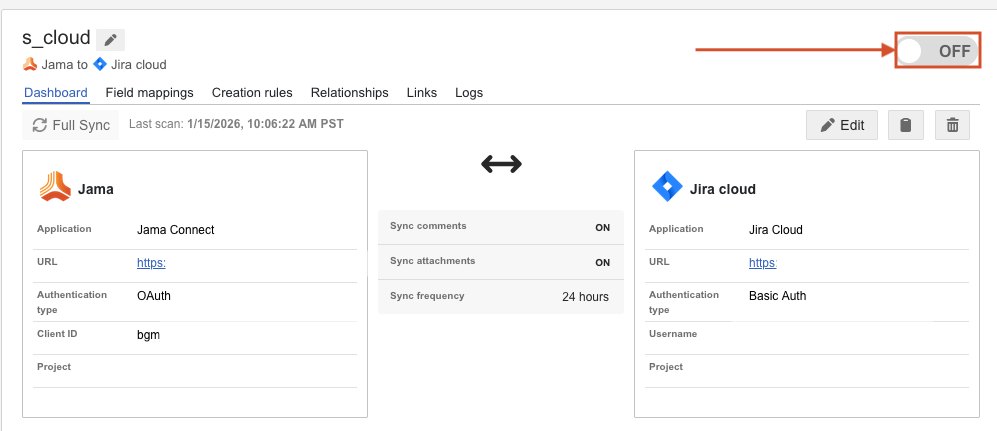
All integrations troubleshooting
Question | Answer |
|---|---|
How do I update field mappings for an existing integration that is running? |
|
My Jama Connect Interchange system is configured with many integrations running simultaneously. How does the Jama Connect Interchange execution service determine the order in which to process each integration? | Most Jama Connect Interchange instances are configured with five execution threads, meaning up to five integrations can be processed at the same time. If more than five integrations are queued to process, Jama Connect Interchange prioritizes them in the following order:
Note: Integrations with links in error are retried constantly until errors are resolved, leading them to be prioritized over other integrations. If you find that integrations aren't processing in a timely manner, addressing or turning off integrations with errors can help restore bandwidth to the execution service. |
The integration log occasionally displays the message "Token is expired." What does this message mean? | If your Jama Connect connector uses oAuth authentication, the Logs page occasionally displays this message when the oAuth token has expired and is being regenerated. This is a normal, automated process that doesn’t interrupt the integration. |
Where can I find the configuration service log for my self-hosted Jama Connect Interchange instance? | Run the following command to copy the file to your system:
|
When I access the Field Mapping page in an integration, the project name and the field mapping groups don't appear. | This issue occurs if the Jama Connect Interchange user can no longer authenticate to Jama Connect. Typically, this happens if the user's credentials have changed. 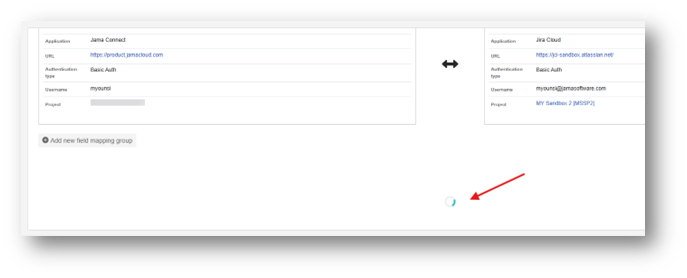
|
When I access a conversation in Jama Connect Interchange, the Import tab or Export tab fails to load and a server error message appears: "Failted to fetch Jama relationship type data with integration ID [###]." | This issue occurs if the Jama Connect Interchange user can no longer authenticate to Jama Connect. Typically, this happens if the user's credentials have changed. 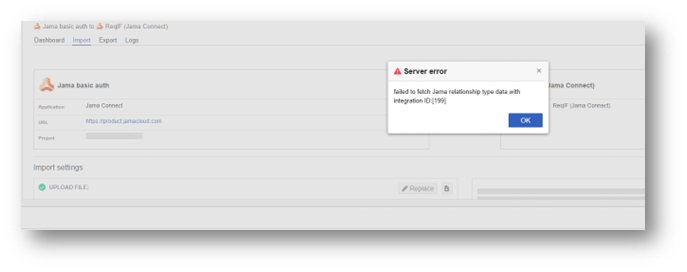
|
After downgrading a license that removes API permissions, the field mapping group isn't displayed when I try to view field mappings and this error message appears: "Jama item not found, unable to get Excel template." | 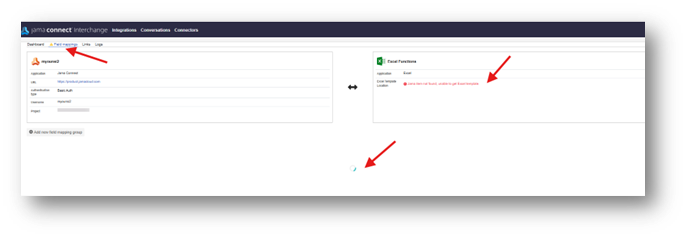
|
If a user tries to create a connector but lacks API permissions, this generic error message is displayed: "Please confirm credentials are correct." | 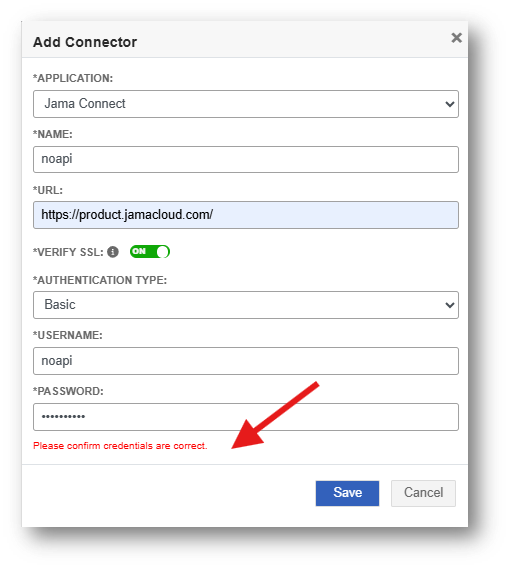
|